Layout and Modules Overview
Workspace adjustment
Each module in WebTrader can be opened in its own window, as well as added or removed using the Tab menu at the top of the workspace.

The "Layout" button on the bottom menu lets you customize the arrangement of your tools to suit your preferences.
Workspace areas can be resized by simply hovering your cursor over the border between them.
WebTrader Modules
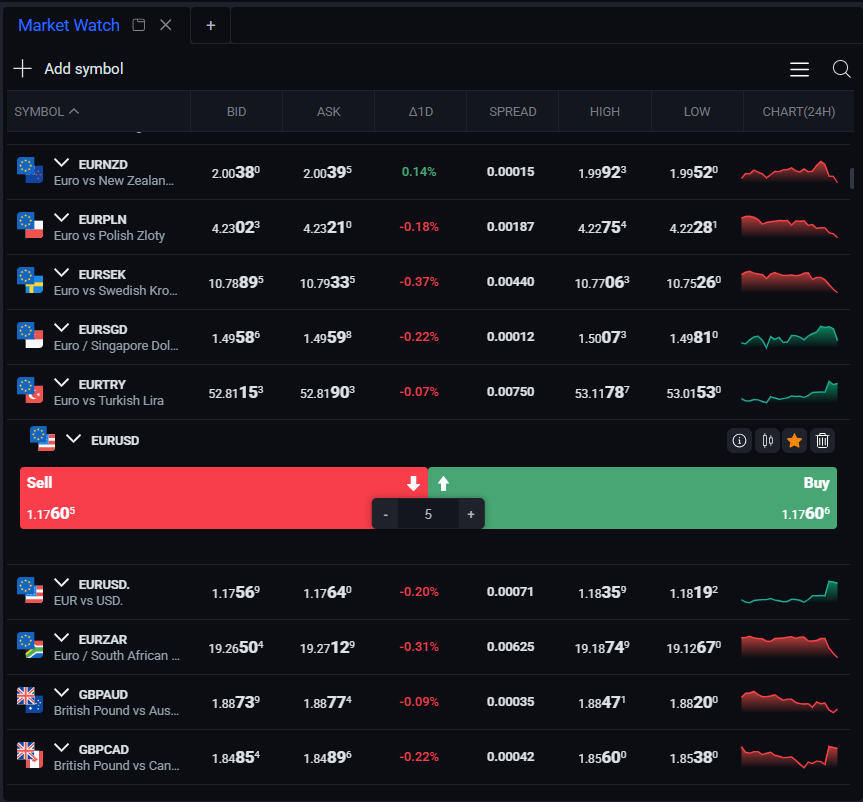
Market Watch: track real-time market movements and execute trades across a wide range of assets.
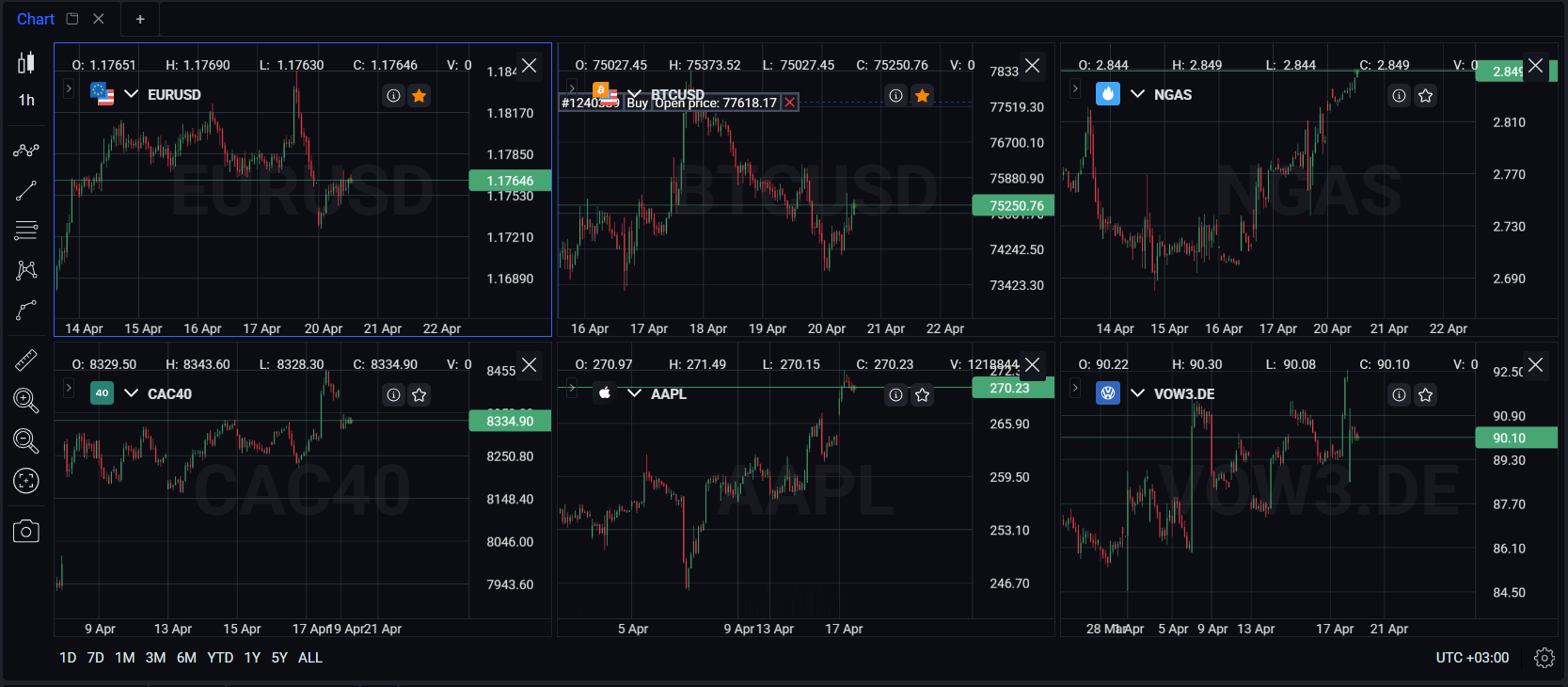
Chart: analyze price action with fully customizable display options. You can open up to 6 charts at once.
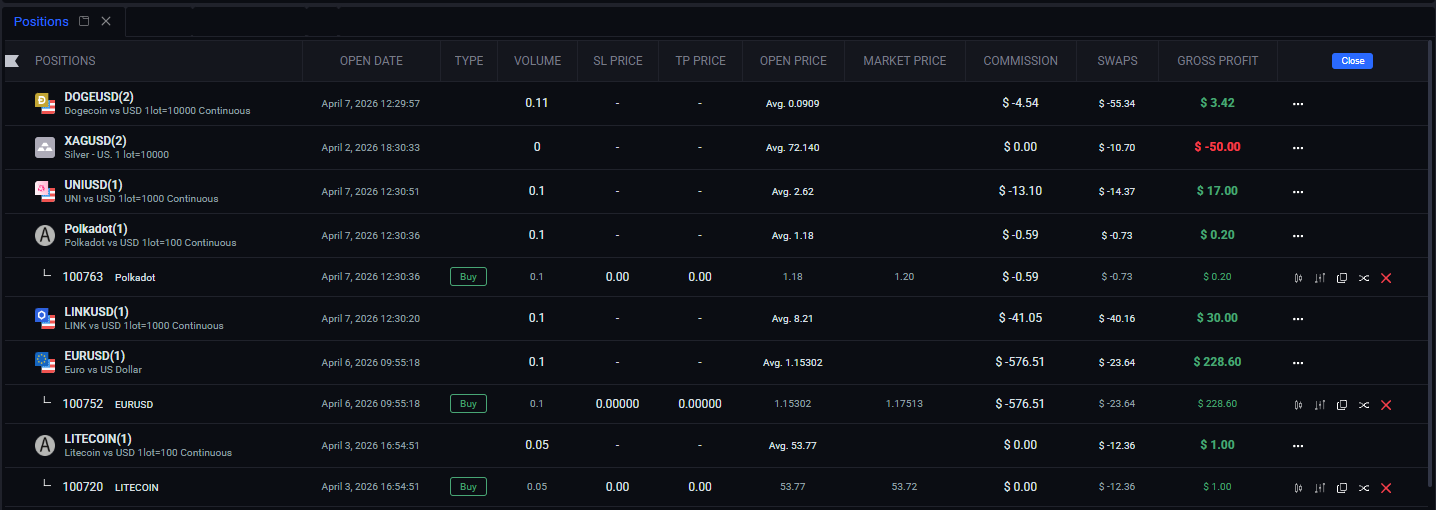
Positions: maintain full control over all your current open positions and their details.
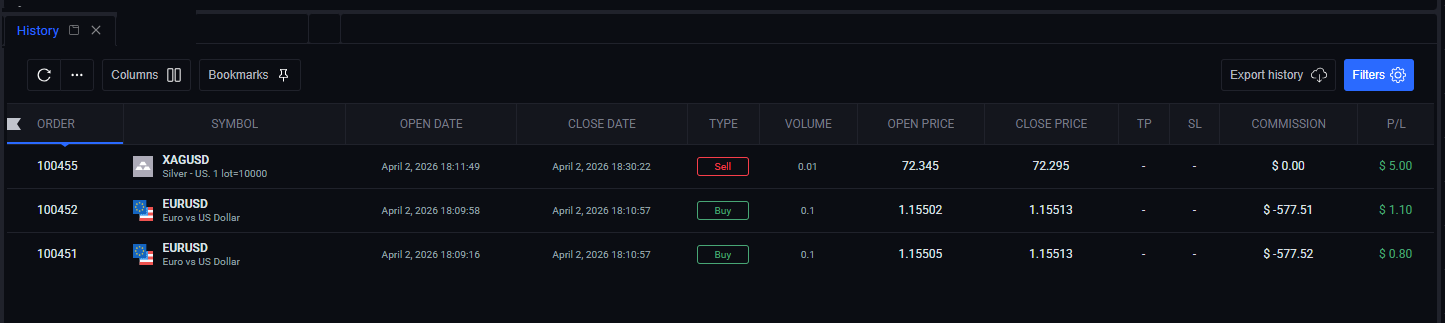
History: access a complete archive of your past trades to review and refine your strategy.

Pending orders: manage all your limit and stop orders from a single, convenient location.
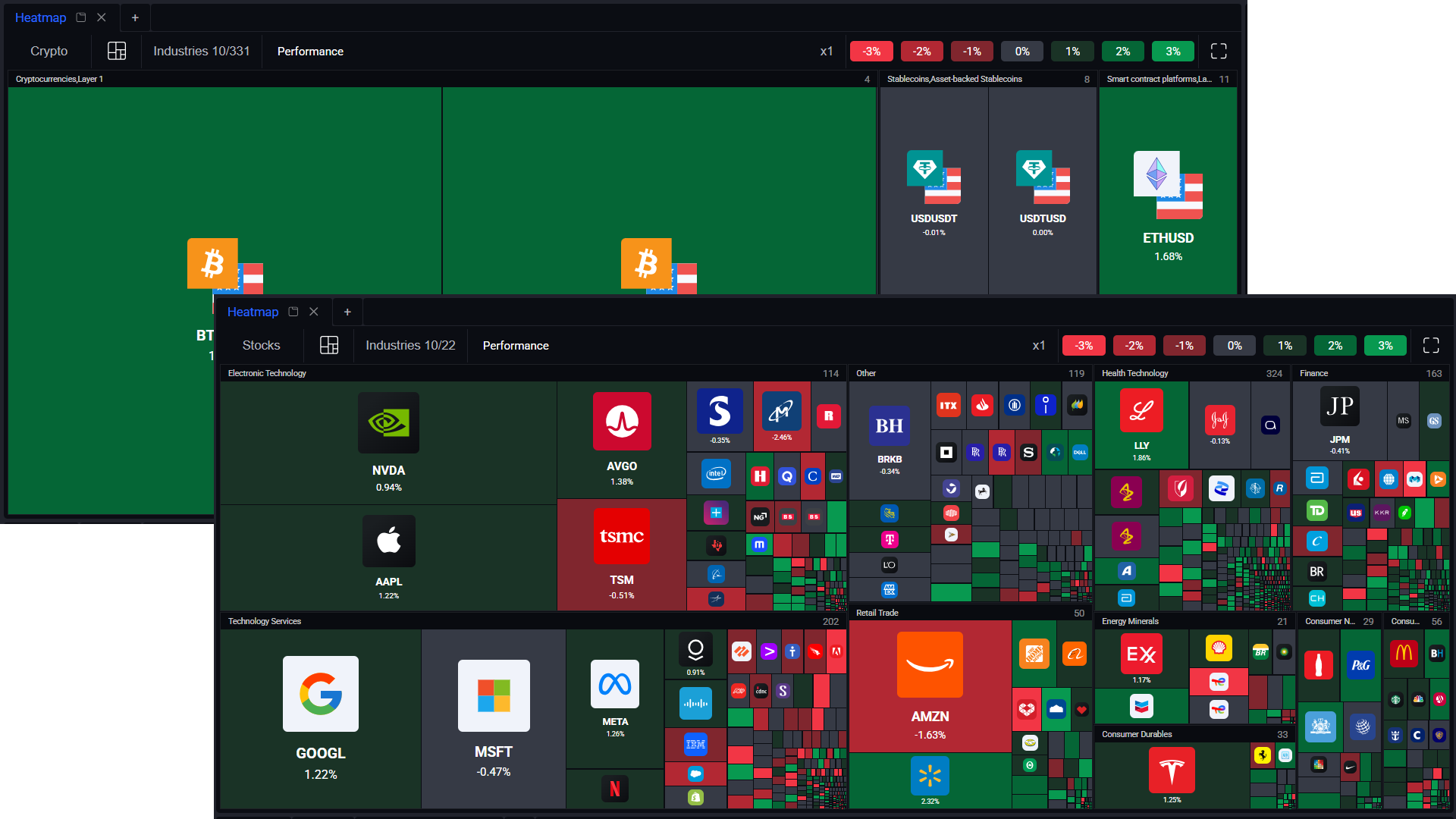
Heat map: visualize market liquidity and provider behavior through color, brightness, and size. Green indicates price increases, red indicates decreases — the larger the change, the brighter the color. Available for Stocks and Crypto.
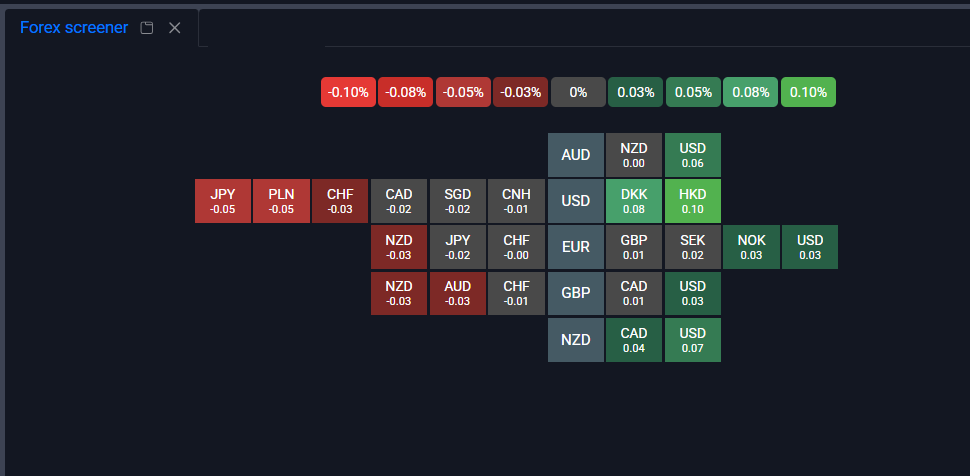
Forex screener: a powerful filtering tool to identify trading opportunities across numerous currency pairs.
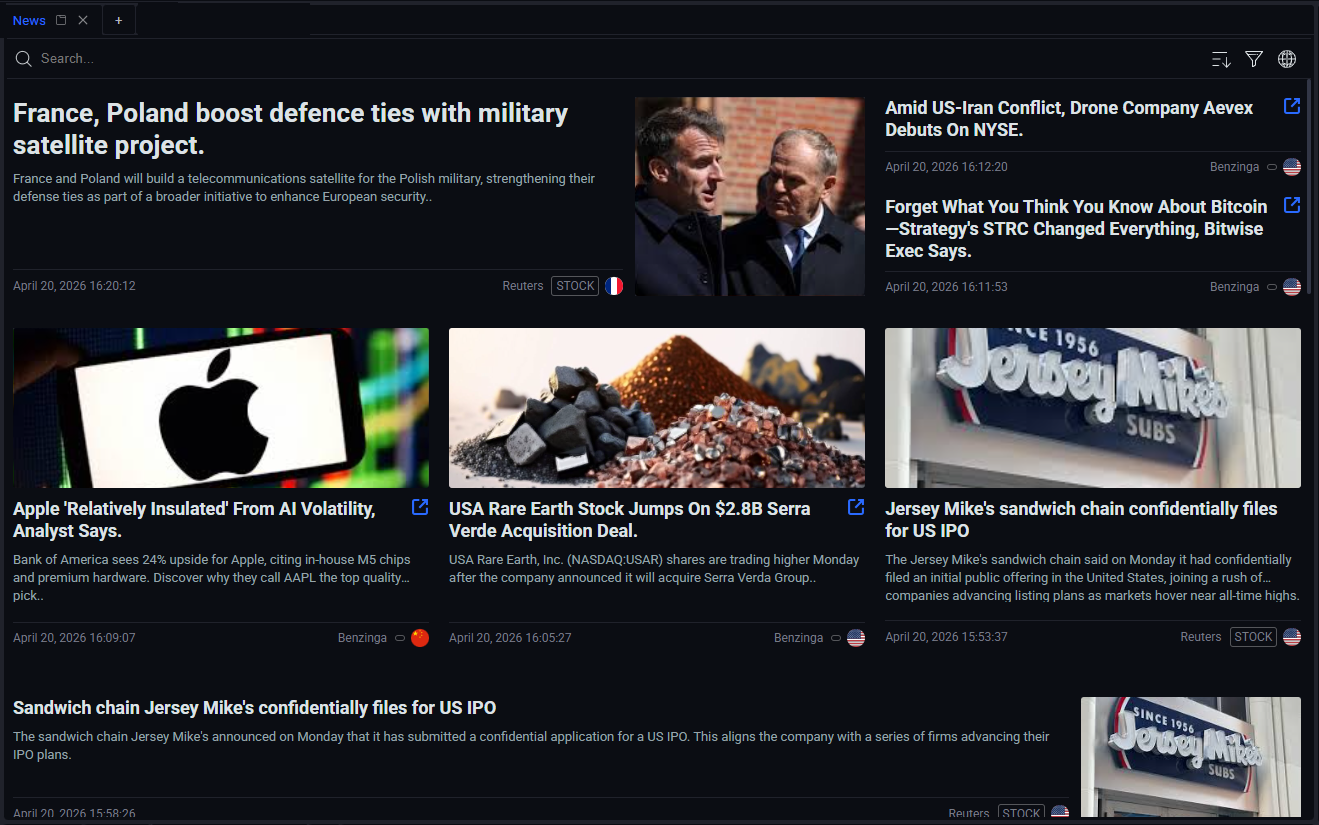
News: stay informed with real-time financial news and market insights. Search by tags or keywords, or sort by time to find what you need in seconds.