Using Cloudflare
We highly recommend using Cloudflare (free plan is enough).
Cloudflare provides multiple benefits:
- 🔒 Security: mitigation of DDoS attacks, protection from bots and hackers.
- ⚡ Performance: caching static assets, reducing load on your origin server.
- 🛡️ Privacy: encrypts traffic and keeps visitor data secure.
Step-by-step setup
Recommended setup
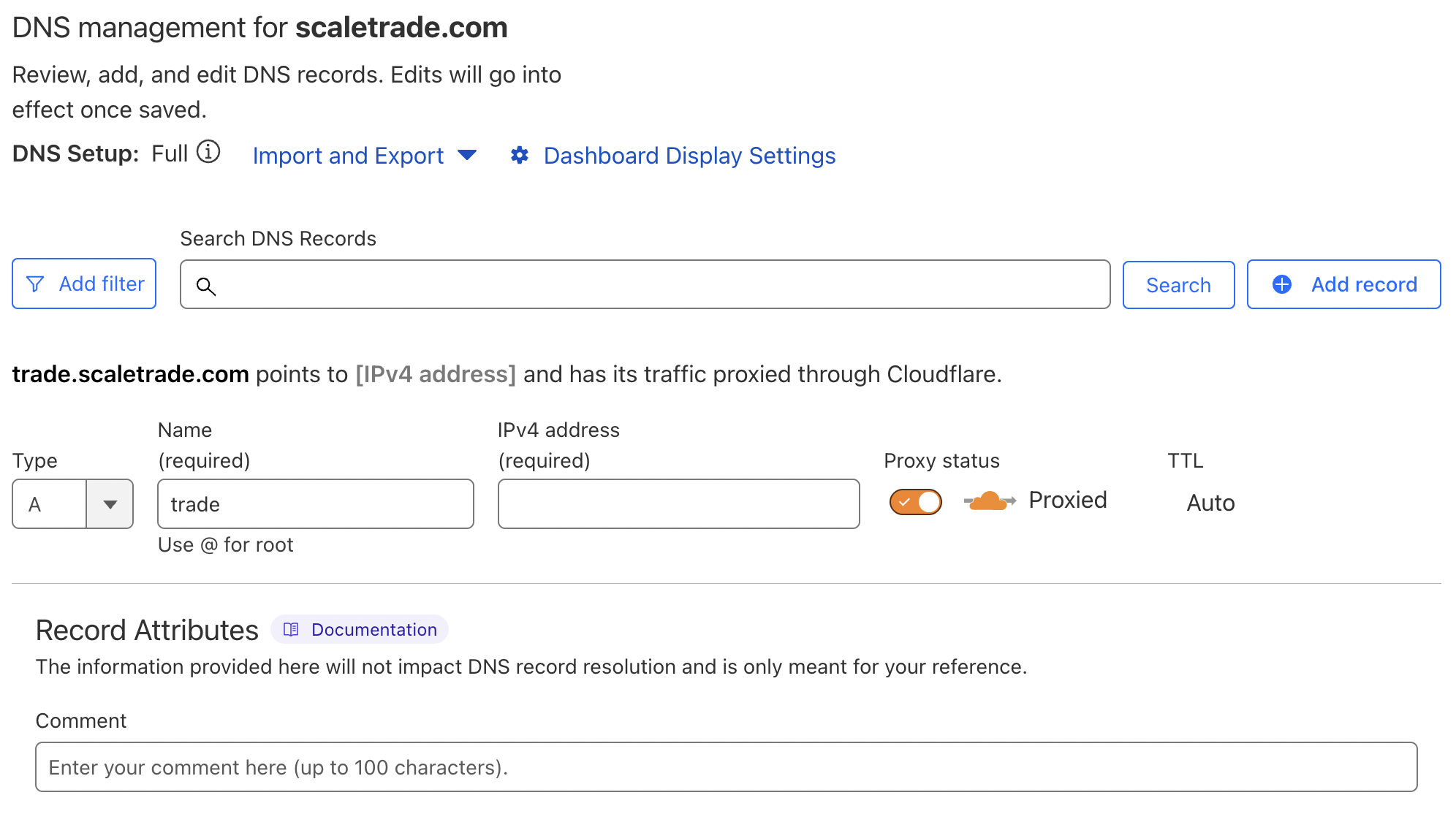
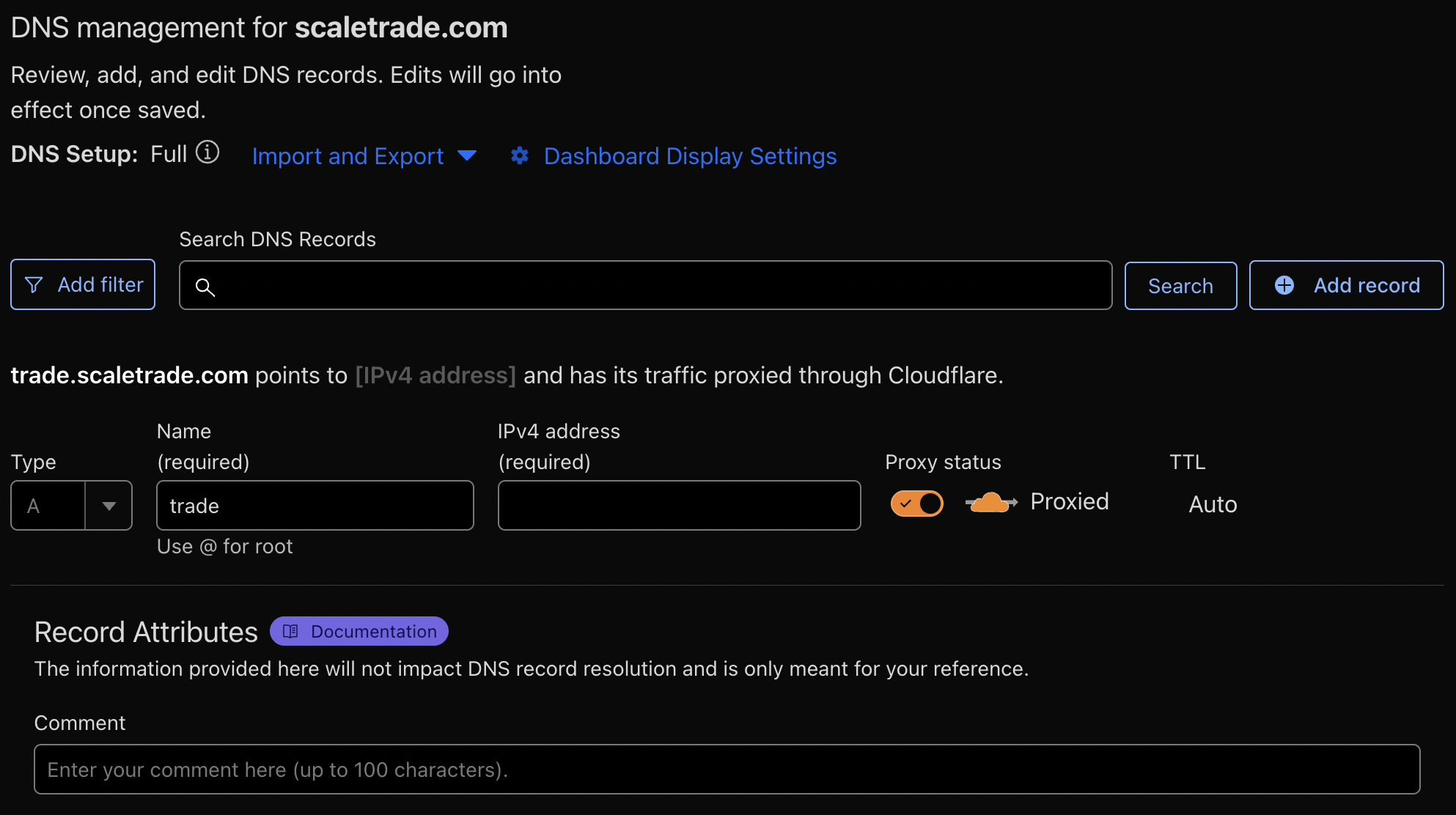
Make sure to enable proxy mode (orange cloud in Cloudflare dashboard) for all records.
Point your domain’s A record in Cloudflare to:
{YOUR_SERVER_IP}
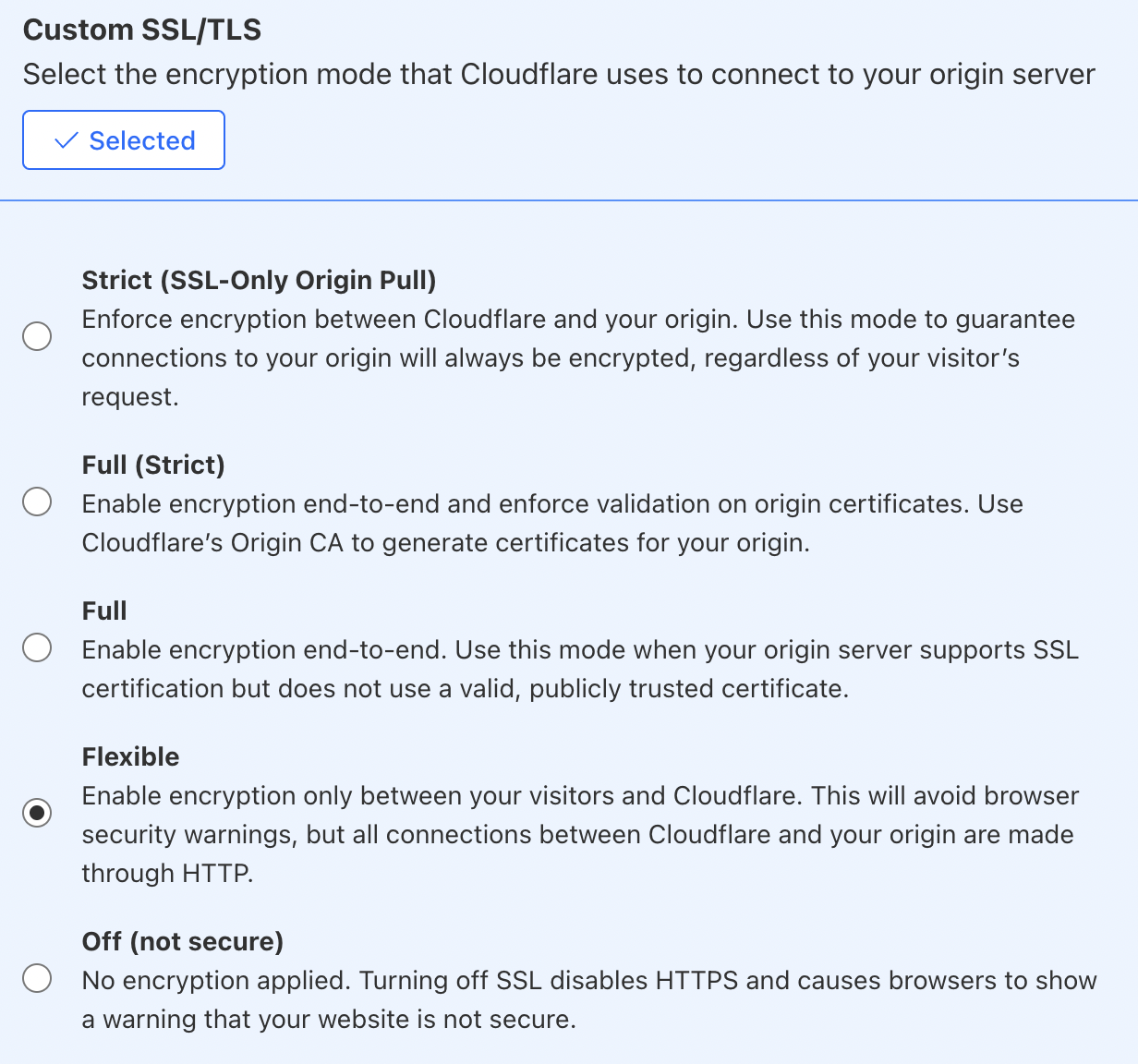
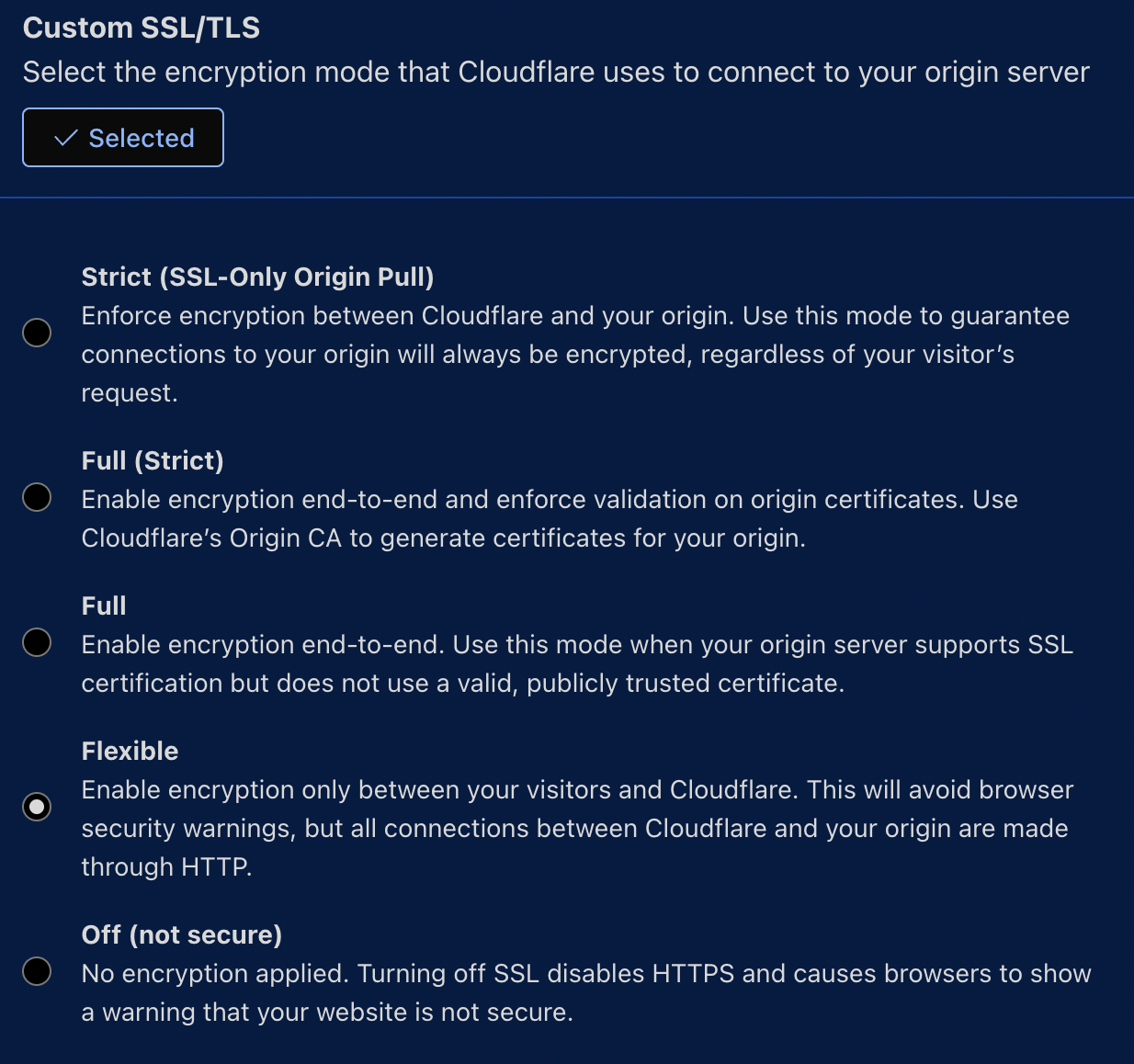
Go to SSL/TLS → Overview and choose:
- `Full` or `Flexible`
- ❌ *Not* `Full Strict`
Enable "Always use HTTPS" in Cloudflare SSL/TLS → Edge Certificates.
This forces all requests to be redirected to HTTPS.
Final notes
- ✅ Make sure your origin server listens on port 443.
- 🔄 Changes in DNS may take up to 24 hours to propagate.
- 🧪 After setup, test via https://securityheaders.com/ or
curl -I https://yourdomain.com.
Why Cloudflare?
Using Cloudflare ensures faster response times, better security against common attacks, and a professional-grade setup without extra cost.